AutoFlowRPA vs UiPath, Power Automate & WinActor: Which RPA Tool Fits You?
A practical comparison of AutoFlowRPA against UiPath, Power Automate Desktop and WinActor — price, offline support, ease of use and more.
Jul 3, 2026
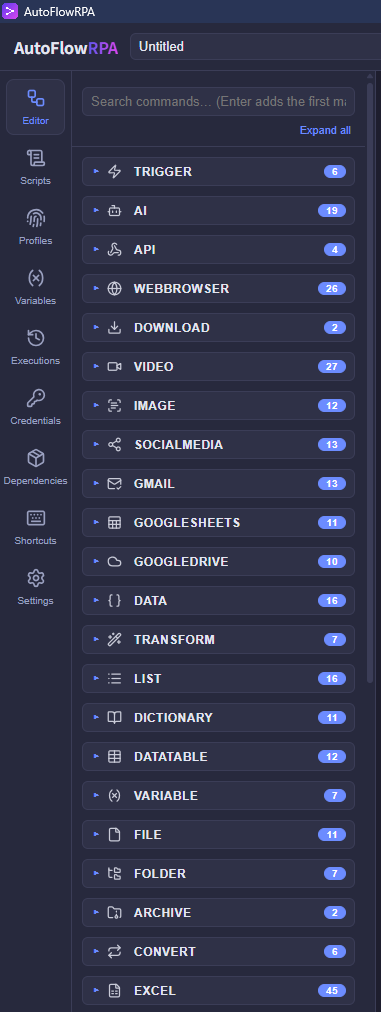
Choosing an RPA tool usually means trading off price, privacy and ease of use. Here is how AutoFlowRPA compares to three tools you already know.
Price
- AutoFlowRPA: from $5/month, with a 30-day free trial.
- UiPath: enterprise pricing, typically hundreds of dollars per seat.
- Power Automate Desktop: bundled with certain Microsoft 365 licenses.
- WinActor: annual licensing, often ¥90k+ per year.
If you want serious automation without an enterprise invoice, AutoFlowRPA is hard to beat.
Offline & privacy
AutoFlowRPA runs fully offline — no telemetry, no cloud upload while you work. UiPath and n8n lean cloud-first; Power Automate Desktop and WinActor can run locally but come with heavier footprints.
Ease of use
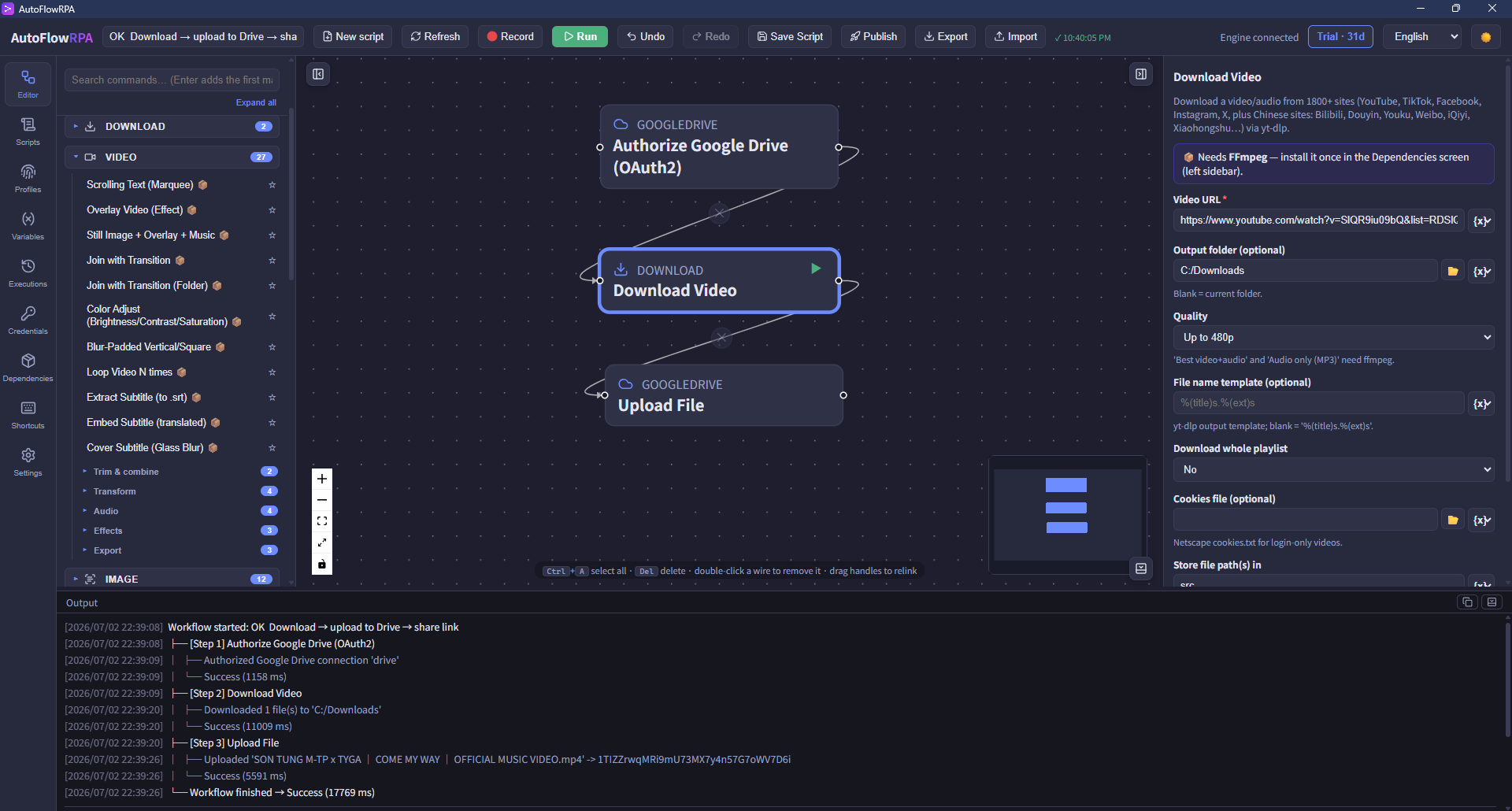
AutoFlowRPA is built for non-developers: a visual node editor, 369 ready-made commands, and inline hints on every field. There is nothing to script and no runtime to install separately.
Who should pick what
- Large enterprise with a dev team and big budget? UiPath.
- Already all-in on Microsoft 365? Power Automate Desktop.
- Japanese enterprise standardized on it? WinActor.
- Everyone else who wants affordable, private, no-code automation? AutoFlowRPA.
See the full side-by-side on our features page, or start a free trial.